Why a browser and not an app store app?
Most shot clock apps put the clock on the phone in your hand. Players cannot read a phone from the court. Here the clock goes on the biggest screen in the gym, and the phone only runs it.
- The clock shows on any screen with a browser: a laptop on a projector, a smart TV, a tablet on a stand.
- The phone and the screen do not need the same Wi-Fi. Both need internet, mobile data is fine.
- Extra screens show the same clock, for example one at each end of the hall.
- It updates by itself. There is nothing to download before practice.
Can I install it like an app?
Yes. On an iPhone or iPad, open shotclock.online in Safari, tap Share and then Add to Home Screen. On Android and in Chrome, use Install app or Add to Home screen in the browser menu. It then opens from its own icon, and one-device mode works offline.
What the free shot clock does
Everything you need to run a shot clock at practice:
- Presets for basketball, college and high school basketball, 3x3, korfball, water polo and lacrosse, or any time you choose.
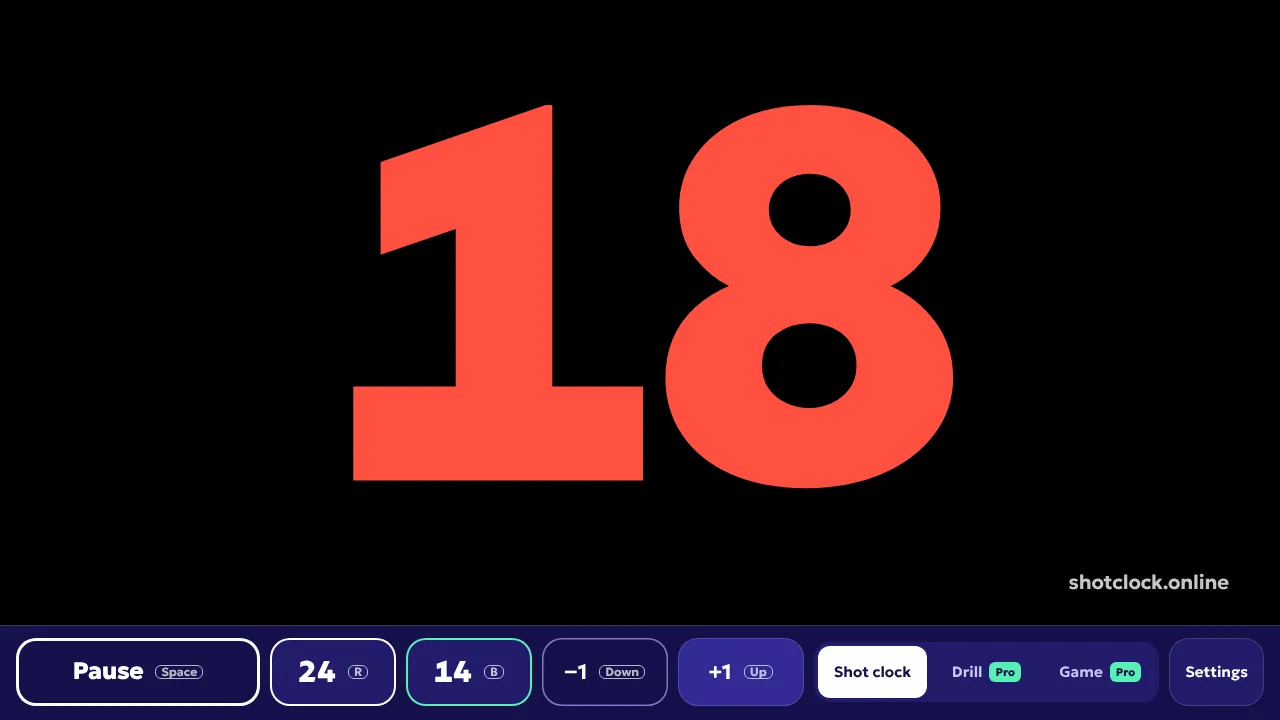
- Start, pause, reset to the full clock or to the second reset time (14 in basketball), and plus or minus one second.
- A buzzer at zero, and tenths with a pulsing frame in the last five seconds.
- The display keeps running on its own, so a weak connection never makes the clock stutter.
What does it cost?
The shot clock is free, with no time limit and no account. Shot Clock Pro adds a scoreboard with game clock, a drill timer, match rules, your club on the screen and a livestream overlay, for €12 a season (12 months) or €25 once.
Questions
Is there a shot clock app for iPhone?
Yes. Open shotclock.online in Safari and use it right away, or tap Share and Add to Home Screen to keep it as an app on your iPhone. No App Store download needed.
Is there a shot clock app for Android?
Yes. Open shotclock.online in Chrome. To keep it as an app, choose Install app or Add to Home screen in the browser menu.
Does the shot clock app work offline?
One-device mode, with the clock and the buttons on the same screen, works offline once the page has loaded. Phone plus big screen needs internet on both devices.
Can I show the shot clock on a smart TV?
Yes, if the TV has a web browser. Open shotclock.online/display on the TV and scan the QR code with your phone. A laptop connected to the TV with HDMI works too.
More
- Shot clock rules by sport: how many seconds in each sport.
- Shot clock comparison: hardware, apps and online scoreboards side by side.
- Shot clock drills: five ways to use the clock at practice.