Step by step
Open the display
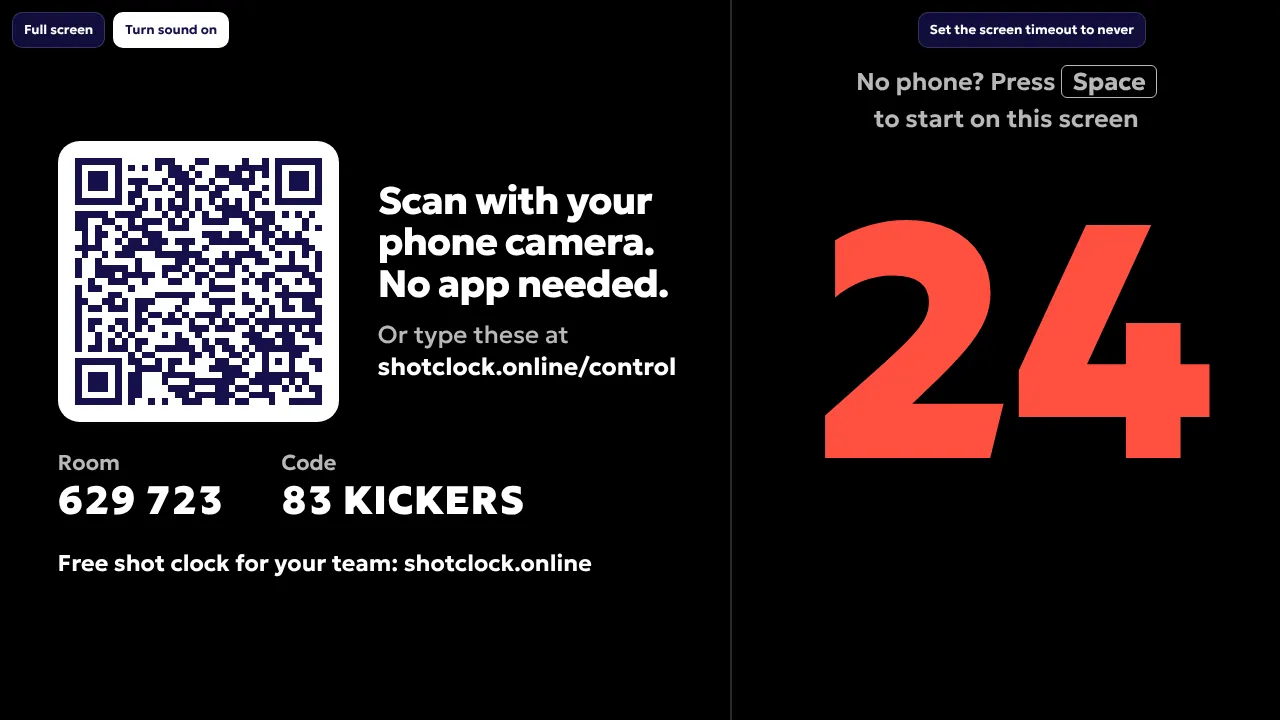
On the laptop or smart TV that faces the court, go to shotclock.online/display. Connect a laptop to a TV or projector with HDMI if you want a bigger clock.
Go full screen
Press F on the keyboard or tap Full screen. Set the screen timeout of the laptop to never, so it does not go to sleep during practice.
Scan the QR code
Scan the code on the screen with your phone camera. No app needed. Or type the room number and code at shotclock.online/control.
Run the clock from your phone
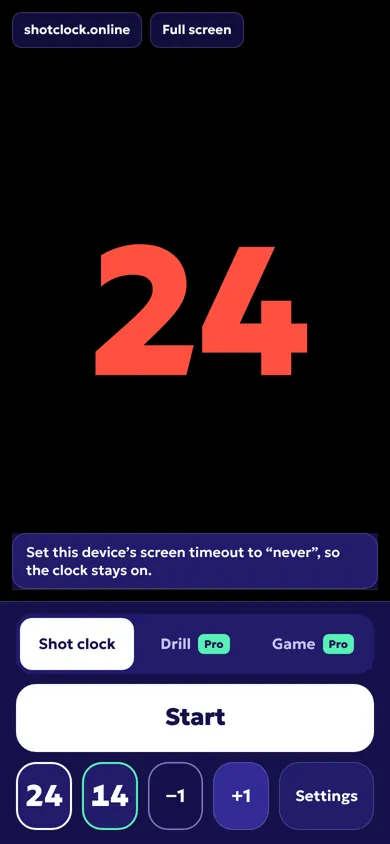
Start, pause, reset and adjust a second from the phone. The display counts down by itself and sounds the buzzer at zero.
No phone? Use one device
Press Space on the display to start without a phone, or open one-device mode: the clock and the buttons on the same screen. It works offline once loaded.
Tips for the gym
- Weak Wi-Fi? Use mobile data on your phone and let the laptop use the phone’s hotspot. Phone and screen do not need the same network.
- Projector washed out? Darken the hall, use a TV instead, or turn on High contrast in the settings for brighter red digits.
- Two ends of the hall: open the extra-screen link on a second laptop or TV. Both show the same clock.
- Once your phone is paired, the QR code leaves the screen and nobody else can take over the clock.
Questions
Do I need internet?
With phone and screen, yes, on both devices. They do not need the same Wi-Fi. One-device mode works offline once the page has loaded.
What happens if the Wi-Fi drops?
The screen counts down by itself, so a running clock keeps running. The phone reconnects when it can.
Can I use a smart TV without a laptop?
Yes, if the TV has a web browser. Open shotclock.online/display in the TV browser and scan the QR code with your phone.
More
- Shot clock rules by sport: how many seconds in each sport.
- Shot clock comparison: hardware, apps and online scoreboards side by side.
- Shot clock drills: five ways to use the clock at practice.